




Explore repositories, review pull requests, and work with issues from your coding agent.
One plugin
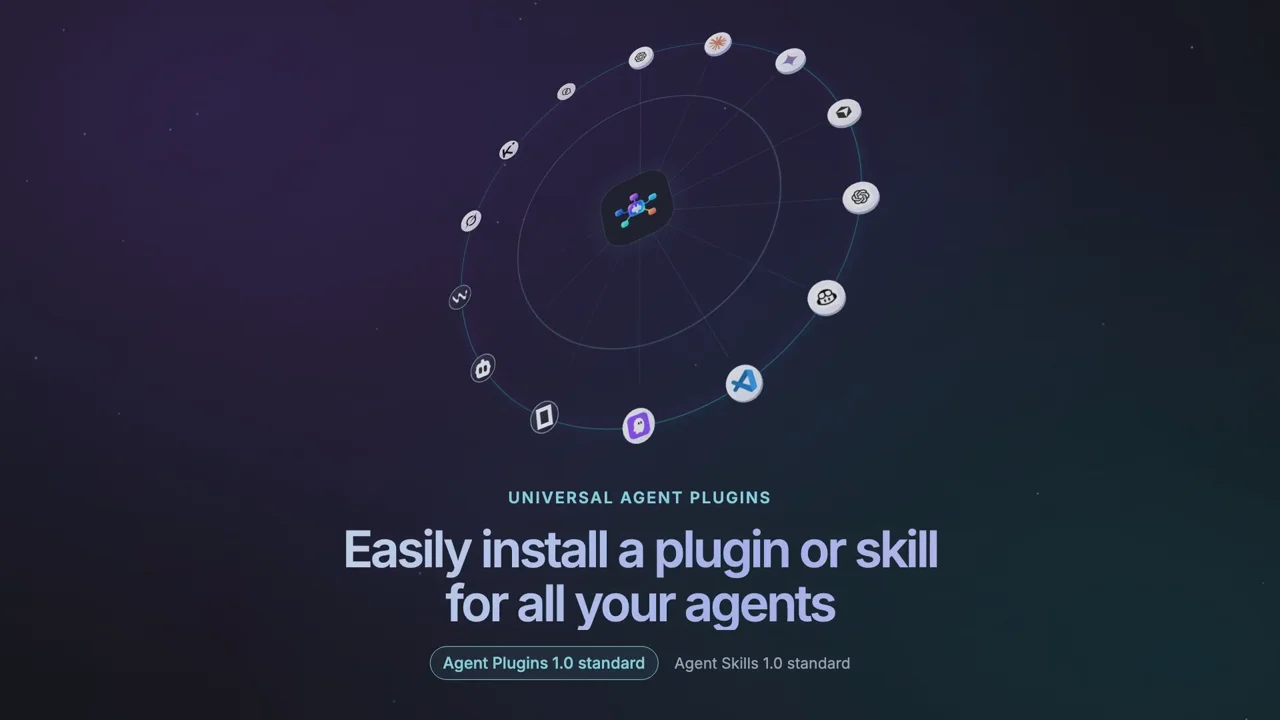
All your agents
Install, update, repair, and remove Agent Plugins 1.0 across supported AI agents with one command. Let the CLI detect installed agents, or choose exactly where the plugin goes.
Supported formats
Install the Context7 plugin
Agent Plugins 1.0- 1Choose agents
- 2Copy and runOther installation methods
npx -y universal-agent-plugins add context7
Supported clients
 CodexSupported
- ChatGPTSupported
 CursorSupported
 GitHub Copilot CLISupported
 KiroSupported
 Claude CodeSupported
 Gemini CLISupported
 OpenCodeSupported
 ClineSupported
 WindsurfPrepared by CLI
 Grok BuildSupported
 Kimi CodeSupported
 QoderSupported
 Hermes AgentSupported
 Google AntigravityPrepared by CLI
 PiSupported
The CLI installs or prepares the native format each client supports. Some clients may ask you to finish activation or sign in.
Same plugin versions. Across your team.
GuideMarketing Kit example — keep the same plugin versions in your project.
npx -y universal-agent-plugins install marketing-kit --scope project
marketing-kitv0.1.0
uap.lockCommit uap.toml and uap.lock. Your teammate runs install in the project.
Share uap.toml and uap.lock. Your teammate imports both files into their user environment before installing.
npx -y universal-agent-plugins install --scope project
marketing-kitv0.1.0
Dependencies, connected
Two plugins. One shared dependency.
Install a plugin with its dependencies. Shared dependencies at the same compatible version are installed once.
Find yourPluginsSkills
Add plugin29 reviewed plugins. Search, choose your agents, and copy one command.

Automate browser interactions, test user journeys, and inspect web pages.

Skill scan · Loading report
Find current, version-specific library documentation and code examples for your agent.

Inspect browser pages, diagnose errors, and investigate performance from your coding agent.

Bring Figma design context into implementation and interface review workflows.

Find workspace knowledge, read documents, and update Notion pages with your permission.

Find and manage Linear issues and project work from your agent.

Search public websites and extract usable page content for research and analysis.

Investigate Sentry errors and issues while debugging an application.

Work with Supabase projects, databases, and backend services during development.

Inspect Vercel projects, deployments, and logs while shipping and debugging applications.

Work with Neon Postgres projects and database branches during development.

Work with Stripe billing, payments, and customer information through an authorized connection.

Work with Firestore, authentication, hosting, and other Firebase backend services.

Explore Docker Hub images and repositories without leaving your development workflow.
14 matching plugins remaining
Why it works
One package
Less setup across agents
Choose a plugin and compatible agents. UAP prepares supported components, then shows any remaining sign-in or activation steps.
Start with plugin.json
Use an Agent Plugins 1.0 plugin.json package—no separate UAP-specific plugin format.
Fits each agent
Skills, MCP servers, and other components are prepared in the way each selected agent supports.
Manage changes safely
Preview, update, repair, or remove managed installs without overwriting unrelated files.
Know the source
See where packages come from and whether a catalog listing has been reviewed before you install.
Compatibility
Supported agents and installation scopes
User installs into your agent profile; Project installs into one selected workspace. UAP handles supported files and configuration. Your agent may still ask for trust, sign-in, or a restart.
| Agent | User scope | Project scope | Setup | What you do after installing |
|---|---|---|---|---|
| Claude Code | Plugins, Skills, MCP | Skills, MCP | Automatic | Trust the workspace and reload Claude Code if prompted. |
| Codex CLI | Skills, MCP | Skills, MCP | Automatic | Open a new session; approve project MCP access if prompted. |
| OpenCode | Skills, MCP | Skills, MCP | Automatic | Start a new session and review effective project settings. |
| Cursor | Plugins, Skills, MCP | Skills, MCP | Automatic | Reload Cursor; enable plugins or MCP servers if requested. |
| GitHub Copilot CLI | Plugins, Skills, MCP | Skills, MCP | Automatic | Restart Copilot CLI if requested. |
| Gemini CLI | Skills, MCP | Skills, MCP | Automatic | Reload Gemini CLI and approve tool access if prompted. |
| Qoder | Plugins, Skills, MCP, hooks | Skills, MCP | Automatic | Restart Qoder and review MCP permissions. |
| Pi | Extensions, Skills, MCP | Extensions, Skills, MCP | Automatic | Trust the project and reload Pi resources. |
| Windsurf / Devin | Skills, MCP | Skills, MCP | Guided | Open or restart Devin in the selected project; review access. |
| Kimi Code | Skills, MCP | Skills, MCP | Automatic | Run /reload or /new and review MCP permissions. |
| Cline | Skills, MCP | Skills, MCP | Guided | Select the project MCP settings path and reload Cline. |
| Kiro | Skills, MCP | Skills, MCP | Guided | The CLI configures supported Skills and MCP automatically; sign in, approve access, and restart if prompted. |
| Grok Build | Skills, MCP | Skills, MCP (prepared) | Guided | Open the selected project in Grok, review trust, and follow any remaining enablement or reload steps; verify Skills and MCP. |
| Hermes Agent | Skills, MCP | Skills, MCP (prepared) | Guided | Restart Hermes and trust the project; Project MCP requires a verified standalone Hermes bundle and an explicitly confirmed UAP project session. |
| Google Antigravity | Plugins, Skills, MCP | Plugins, Skills, MCP | Prepared | Open or reload Antigravity; review trust and verify the prepared plugin is discovered and enabled in the selected scope. |
| ChatGPT | Desktop local plugins; Web connected apps | Not supported | Guided | Desktop: local install via Codex CLI; Web: connect or install in ChatGPT. |
Scroll sideways to see every column.
Automatic = UAP installs the supported components; Guided = follow client prompts; Prepared = files are ready but need activation; Manual = complete setup in the app. After confirmation, UAP completes supported native setup and reports remaining trust, sign-in or reload steps. Availability depends on the plugin and client version. Baseline: native CLI 0.1.110. npm publication is separate and may lag. Agent support does not guarantee a compatible signed catalog release for every plugin and scope. Check compatibility details.
FAQ